
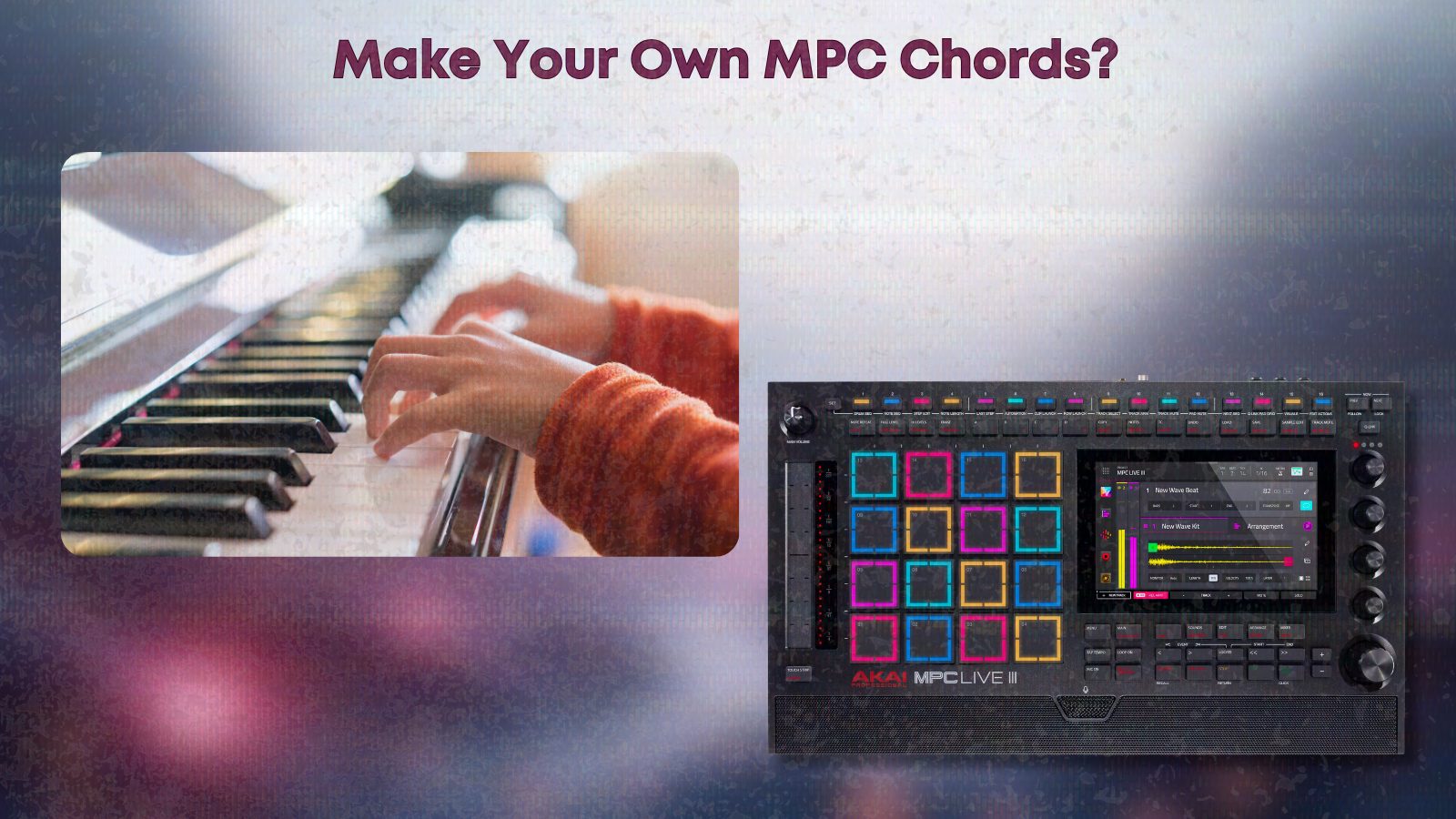
Every producer dreams of capturing that elusive vibe—the moment your chords, drums, and textures lock in and suddenly your MPC feels like an extension of your emotions. If you’re working late in your bedroom studio, seeking inspiration without the pain of theory textbooks or digging through stale presets, building your own custom chord progressions for Pad Perform is a game changer. This is the workflow we’ve honed at LoFi Weekly, where soulful, dusty harmonies aren’t just theory exercises, they’re tools for daily creativity. No gatekeeping. No filler. Just pathways to your own harmonic language inside the MPC.
Why Build Your Own MPC Chord Progressions?
- Personalized Sound Identity: You want your beats to stand out, not recycle the same default progressions as everyone else. Custom sets let your style become recognizable within your community or to your clients.
- Faster Workflow: Once your favorite chords are mapped to the pads, creating new ideas, sketching song structures, or working with vocalists becomes effortless. No more hunting and pecking, just instant music.
- Authenticity: Many built-in progressions feel “MIDI” or generic. When you hand-pick voicings inspired by 70s soul, boom bap, West Coast jazz, or your own late-night experiments, the results are deeply musical.
At LoFi Weekly, we’ve designed all our MPC progression packs with these philosophies—taking the language of hip hop, jazz, and soul and breaking it down into genuinely usable progressions. But you don’t have to stop at packs. Making your own puts you in the driver’s seat.
What You Need to Get Started
- MPC Setup: Any MPC with Pad Perform and user progressions support (including MPC Live, One, X, MPC Key, Akai Force, and MPC Software or Beats).
- MIDI or Plugin Sound: Rhodes, pianos, pads—whatever sounds inspire you most. We love working with warm keys and analog textures.
- Access to Chord Inspiration: This could be your own keyboard, free sample packs with chord progressions (see some below), or genre-focused MPC or Scaler 2 packs if you want to study established harmonic moods.
Optional Resources from LoFi Weekly
- MPC Custom Chord Progression Expansion Packs: Ready-to-go sets, perfect for dissecting and learning voicings.
- Free Sample Packs: Over 170 free packs, from melodic loops to textured keys. Packs like Sample Pack #156 (neo-soul Rhodes), Sample Pack #121 (70s soul-jazz progressions), and Sample Pack #101 (vinyl chord progressions) are especially useful.
Step 1: Find Your Harmonic Zone
Before you hit record, decide:
- Which Key/Scale? Choose one that sets the mood (D major for brightness, A minor for introspection, etc.). Don’t feel boxed in—lofi and hip hop thrive on experimentation.
- Style & Feel: Are you channeling dusty boom bap, shimmering neo soul, or moody jazz? Take a few minutes to listen to references or sample pack demos until a feeling clicks.
If keys are still a mystery, use a sample as your guide. For example, reconstruct the chords from a favorite pack like Sample Pack #121. Trust your ear—if it sounds right, it is right.
Step 2: Play and Capture Your Chords
Recording Workflow
- Create a new MIDI or plugin track, load your sound source, and set your project tempo. (For lo-fi: 70–75 BPM. For classic hip hop: 80–92 BPM is common.)
- Play through a set of 7 to 16 chords that “feel” like a collection—a palette for your style.
- Don’t worry about perfection. Use MPC’s Retrospective Record or even just a looped recording to grab these ideas naturally.
Try laying down each chord for one bar, on its own, without extra notes or melodies. This keeps your eventual Pad Perform map organized and clean.
Learn from Real Packs
Packs designed for MPC custom progressions often group chords with subtle variations; turn a minor 7 into a minor 9, or invert voicings to add smoothness. For ideas, listen closely to our neo soul Rhodes chords or the soulful moves in Sample Pack #101.
Step 3: Organize, Tweak, and Polish
- Grid Edit: Get each chord to live exactly on its own bar or beat. Double-check that all notes in a chord trigger simultaneously (nudge them if needed).
- Balance the Set: Don’t be afraid to duplicate and slightly alter strong chords—sharpen the top note for tension, lower the fifth for moodiness, etc.
- Voice Leading: For a cohesive set, adjust notes so each chord flows to the next. Subtle moves (like keeping one common note through multiple chords) glue everything together.
This is more “feel” than science. Trust your taste. Sometimes the weirdest voicings become signature pads.
Step 4: Convert To A Pad Perform Progression
- With your chord track selected, go to the track options (usually a pencil icon on MPC).
- Select Convert To Progression.
- Name it descriptively—something you’ll remember in a rush (like
“Warm_NeoSoul_Gmin”or“DarkBoomBap_Ebmin”). - Confirm, and the progression will be added to your user library.
Now, access Pad Perform, set Mode to Progressions, and you’ll see your custom creation ready to trigger on the pads.
Step 5: Test, Jam, and Refine
- Try Out Transpositions: Use Pad Perform to play in different keys, checking how your progressions feel anywhere on the tonal map.
- Jam on Pads: Finger drum your chords, play turnarounds, or trigger two chords quickly for expressive transitions. If something feels off, revisit your MIDI and tweak individual notes or chord order.
Over time, you might notice certain shapes or moves become “your sound”. Capture those variations in future progressions—you’re building a personal catalog.
Building Progressions for Different Styles
Here are specific directions you might explore:
- Dark, Tense Boom Bap: Stick to minor keys, use flat 2 and 5, include chromatic passing chords, and process the result with tape or glitch effects. Reference: Sample Pack #155.
- 1970s Soul/Jazz: Focus on major 7, minor 7, and dominant 9 chords, with classic II–V–I patterns and gentle voice leading. Add warm textures for authenticity. Reference: Sample Pack #121.
- Late Night Neo Soul Rhodes: Lean on major 9, minor 9, 11th chords with floating extensions. Add vinyl and rain noise for ambiance. Reference: Sample Pack #156.
Leveling Up: Bringing in Scaler 2 or Other Chord Tools
If you love experimenting in Scaler 2 or similar software, it’s easy to export MIDI chord progressions and import them into your MPC using the same workflow above. This is a fast way to design advanced or jazz-inspired sets, especially if you want more theoretical voicings but still crave hands-on Pad Perform playability.
- Design your chords in Scaler 2, export a clean MIDI file with each chord on its own bar.
- Load into your MPC, Grid Edit for timing/voicing tweaks, then Convert To Progression.
This method lets you combine technology’s speed with your own ear and taste.
Backing Up Your Progression Library
This tip is more important than people think: regularly backup your custom progressions. If you’re on standalone MPC hardware, copy the progression files to your computer or cloud drive once per month. It only takes a few minutes, but it means you’ll never lose your hard-earned sound identity if storage fails or you upgrade pads.
Practical Example: MPC Beat from Blank to Custom Pads
- Load your favorite warm keys (for us, that’s often a Rhodes or vintage pad).
- Set the tempo for your desired feel—74 BPM for dusty lo-fi grooves or 85 BPM for upbeat soul.
- Pick a key, like G minor.
- Play, record, and organize 12–16 chords, making sure each one resonates with your style. Tweak, invert, or stretch the voicings as you go.
- Convert to a user progression, try it in Pad Perform, and quickly record a chordal performance to audio or use the MIDI directly.
- Add drums and textures from relevant packs—use Sample Pack #171 for classic boom bap drums, or Sample Pack #136 for rich background noise.
At the end, you’ll have a new beat and a reusable progression that will spark countless future projects.
Tips for Keeping Your Custom Progressions Fresh and Musical
- Limit Pad Banks: We recommend 8–16 chords per progression. Too many pads can kill the vibe and slow you down.
- Recycle the Best: If a C minor 9 voicing is perfect, transpose and adapt it to other progressions (D minor, F minor, etc.).
- Pair Progressions with Drum Kits: Keep a default drum kit and keygroup sound for each progression style so you can jump straight into the feeling.
- Create Template Projects: Having preloaded templates with your go-to progression, drums, and textures can be a secret sauce for late-night sessions.
Should You Use Prebuilt Progression Packs?
Sometimes time is short and deadlines are real. If you find yourself making multiple beats per week, or want to explore new lanes without spending days designing chords, ready-made progression packs can be your friend. Our MPC custom progression packs are crafted with specific genres and artists in mind, ready to install directly as Pad Perform progressions.
But don’t limit yourself. Combine your own creations and pre-built packs. Think of them as collaborators, not crutches.
For Deeper Inspiration
- Study classic jazz and soul voicings using LoFi Weekly’s jazz piano chord MIDI resources and articles. Analyze the MIDI, rebuild the sets on your own MPC, and convert them into progressions.
- Download free packs with chord progression stems (like Sample Pack #121) and recreate or adapt the voicings for your pads.
- Mix and match—combine hand-built progressions and library packs for a truly unique harmonic world.
Final Thoughts
Building your own MPC chord progressions isn’t about following rules or sounding like everyone else. It’s about making your creative process faster, more vibrant, and more enjoyable. Whether you’re deep in hardware or bouncing between DAWs, the Pad Perform mode becomes a live instrument—with your language, your soundworld, and no gatekeepers.
If you want to dive deeper, discover hundreds of free sample packs, chord progression packs, and soulful utilities designed by one of your own. You can explore the catalog and start building your sound at LoFi Weekly. Everything we build, we build for exactly this purpose: keeping you creating, not troubleshooting.